Nova Control User Manual
| Document version | Content Revisions | Reviser | Date of revision |
|---|---|---|---|
| V1.0 | first draft | shengfei | 2025-01-13 |
Directory
一:Nova plug-in application scenarios
It is used to control the brightness and screen display of Nova screen
二:Nova plug-in application
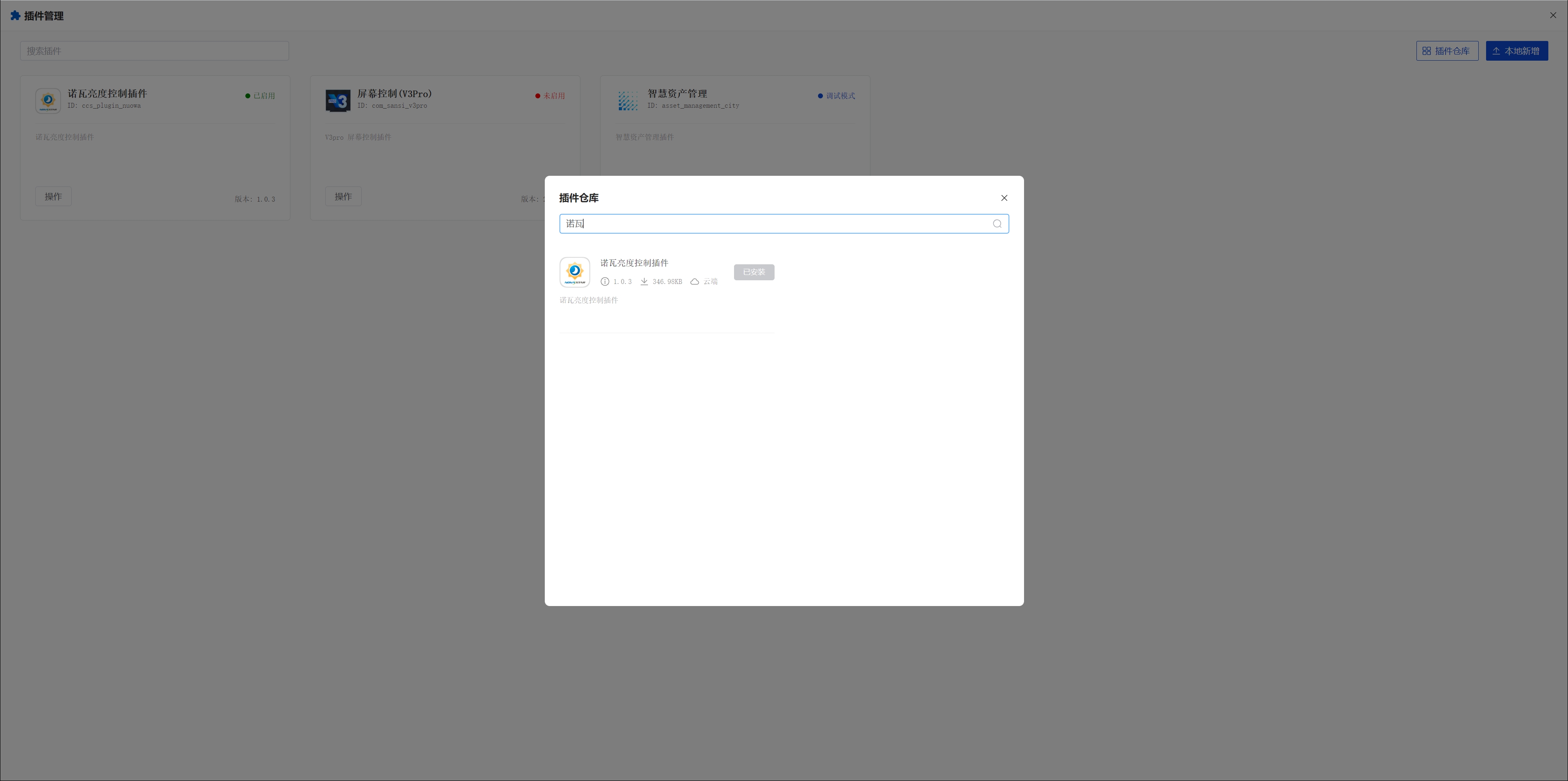
- Click on the plugin repository to install the Nova plugin
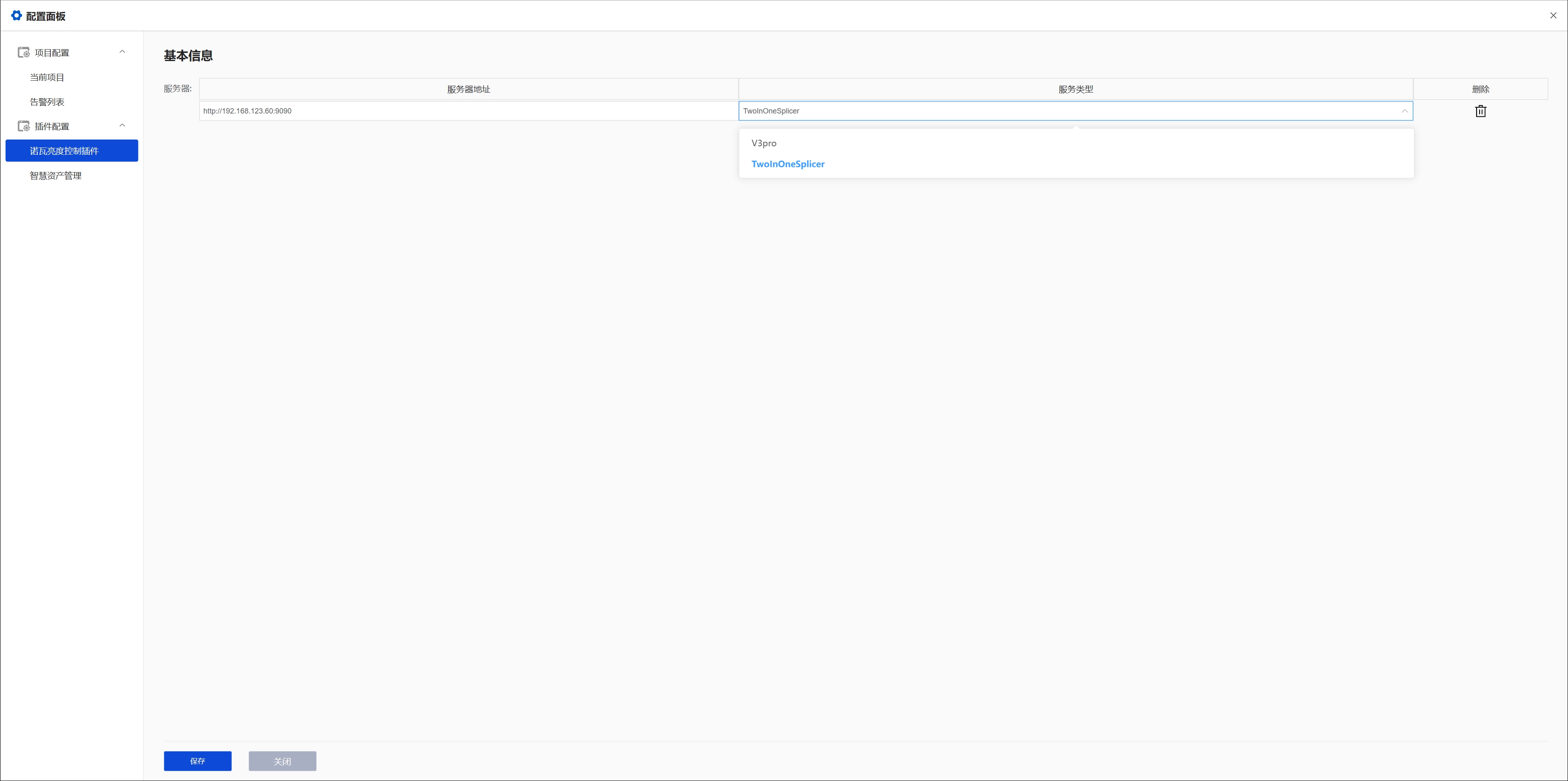
- Click Project Configuration and fill in the server address and service type
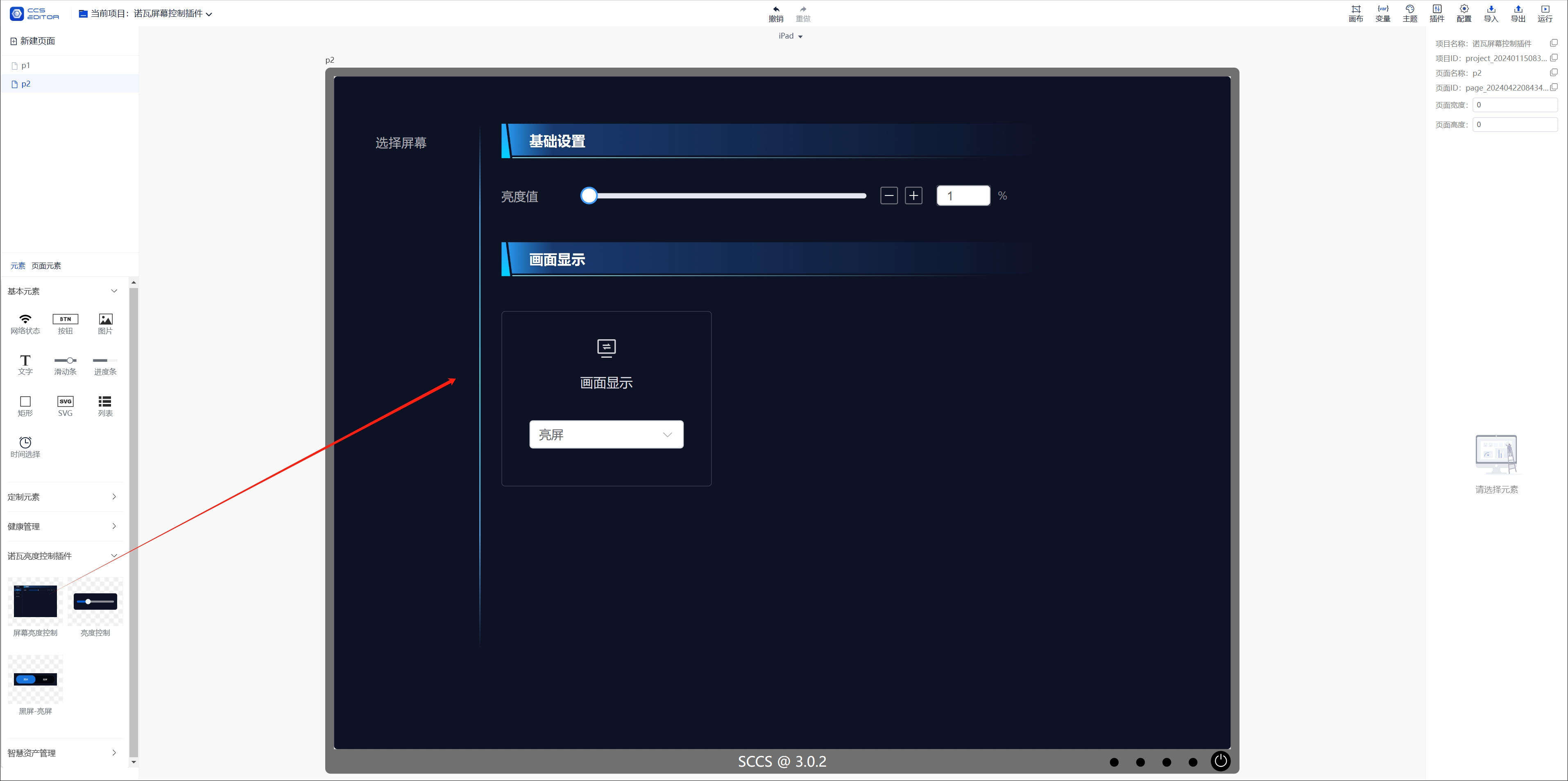
- Drag in the component and click Run
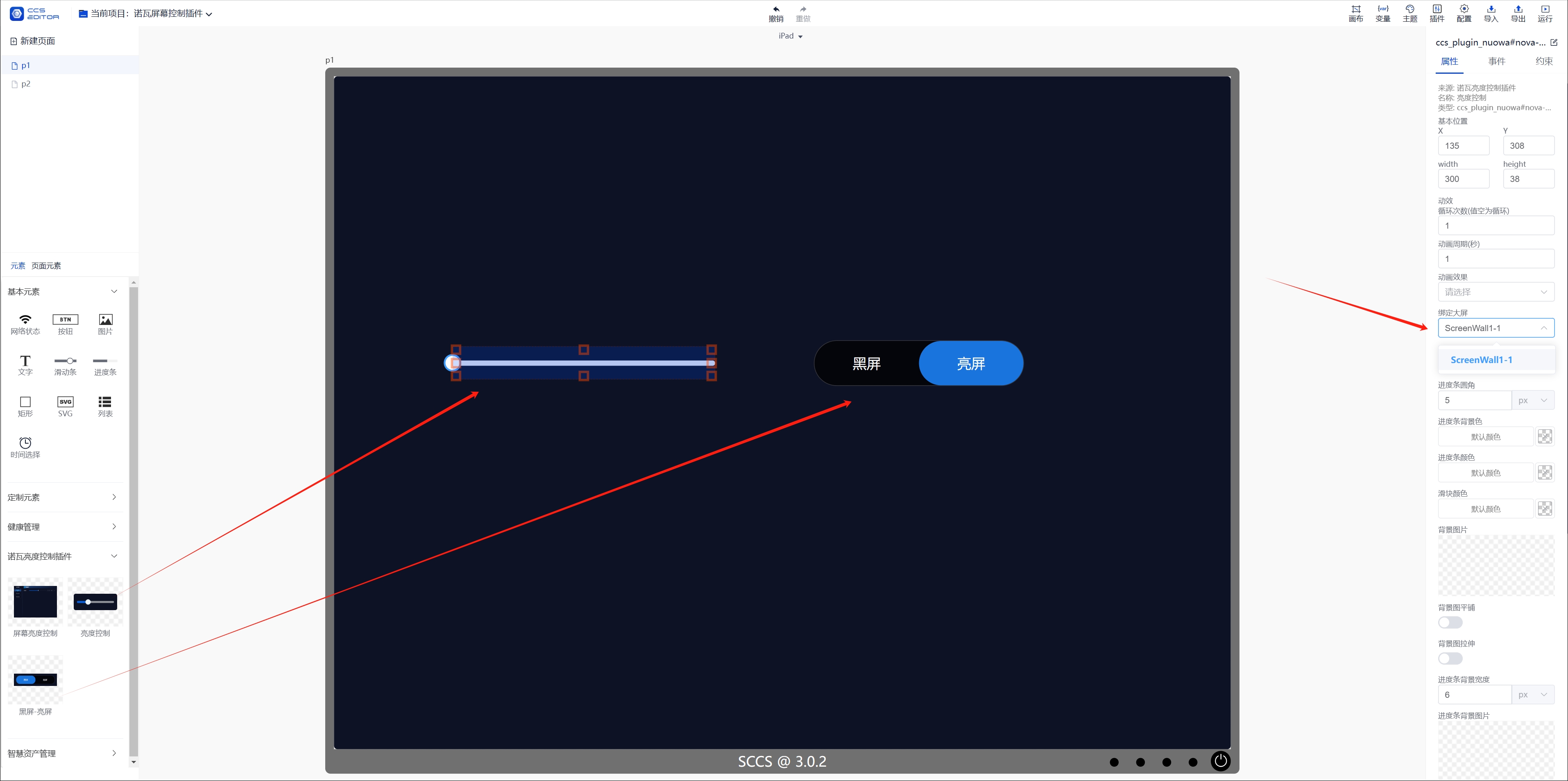
- Drag in the brightness control, black screen-bright screen component, click Bind large screen on the right side, and run